Remote Desktop by Threadmark
Your computer.
Right here.
See, hear, and control your Mac or Windows PC from your iPhone, iPad, or Android device—directly, privately, and without a monthly fee.
See it in action.
From the first download to a live connection. A 46-second look at Remote Desktop on Mac and iPhone.
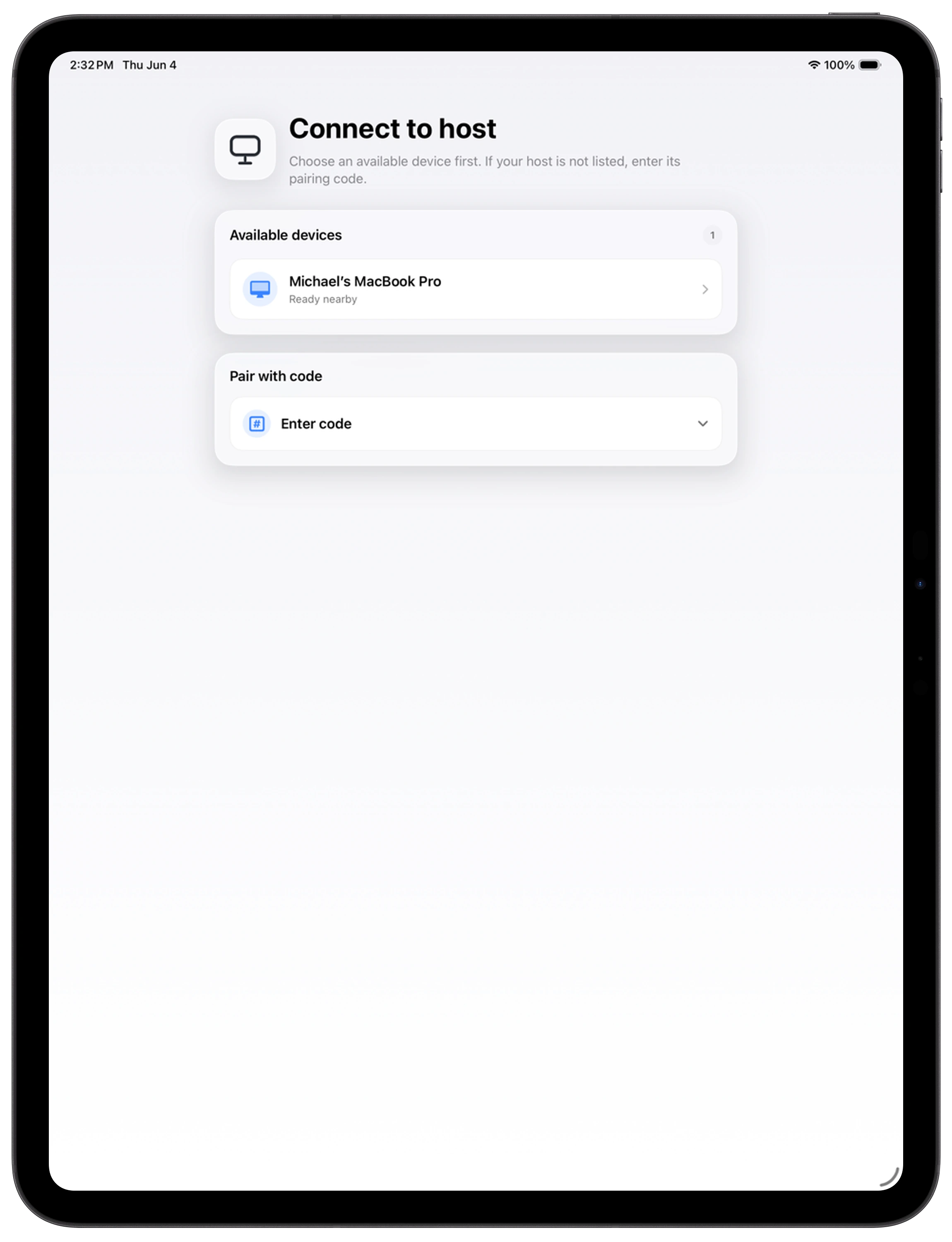
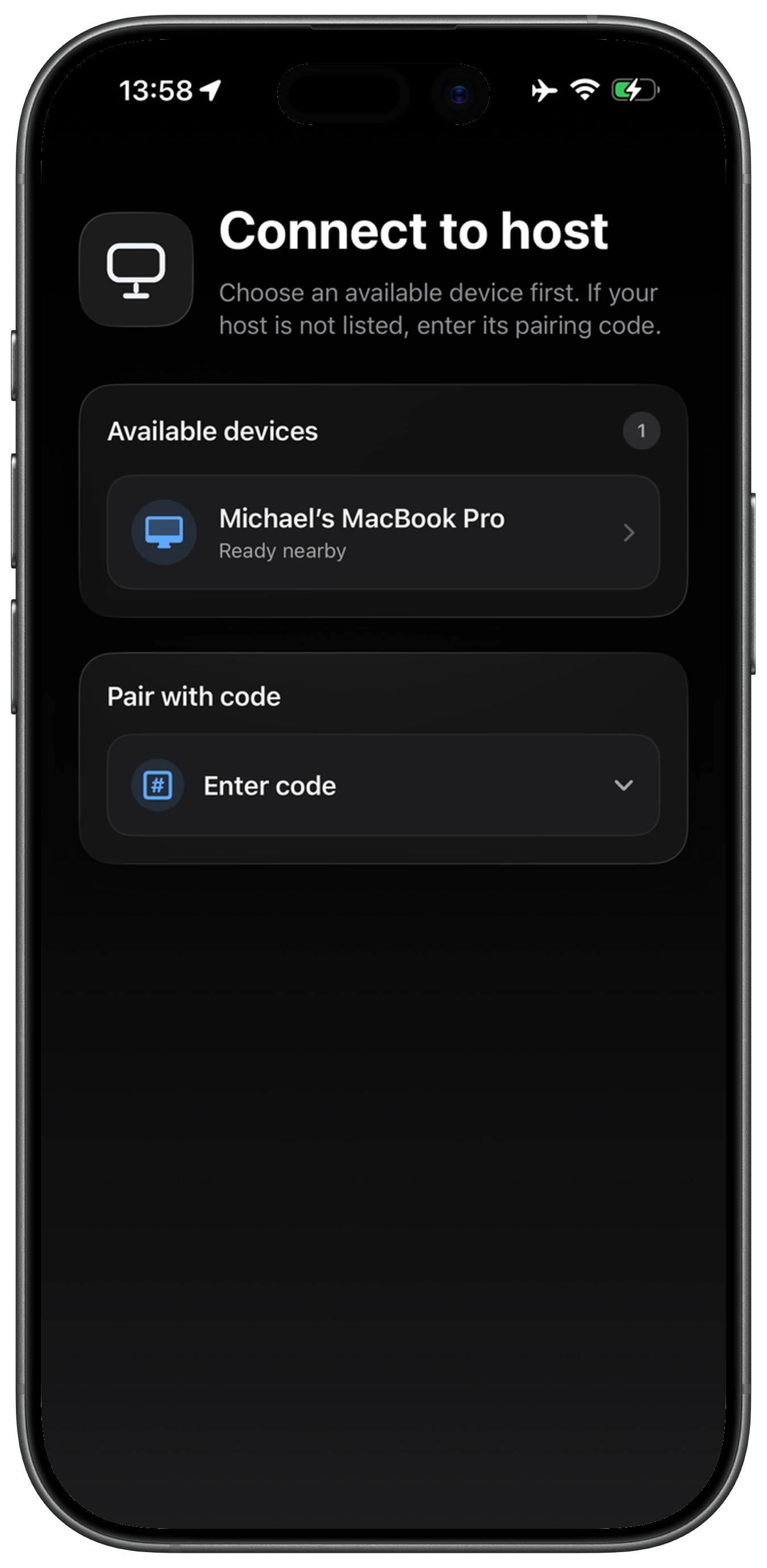
From nearby
to connected.
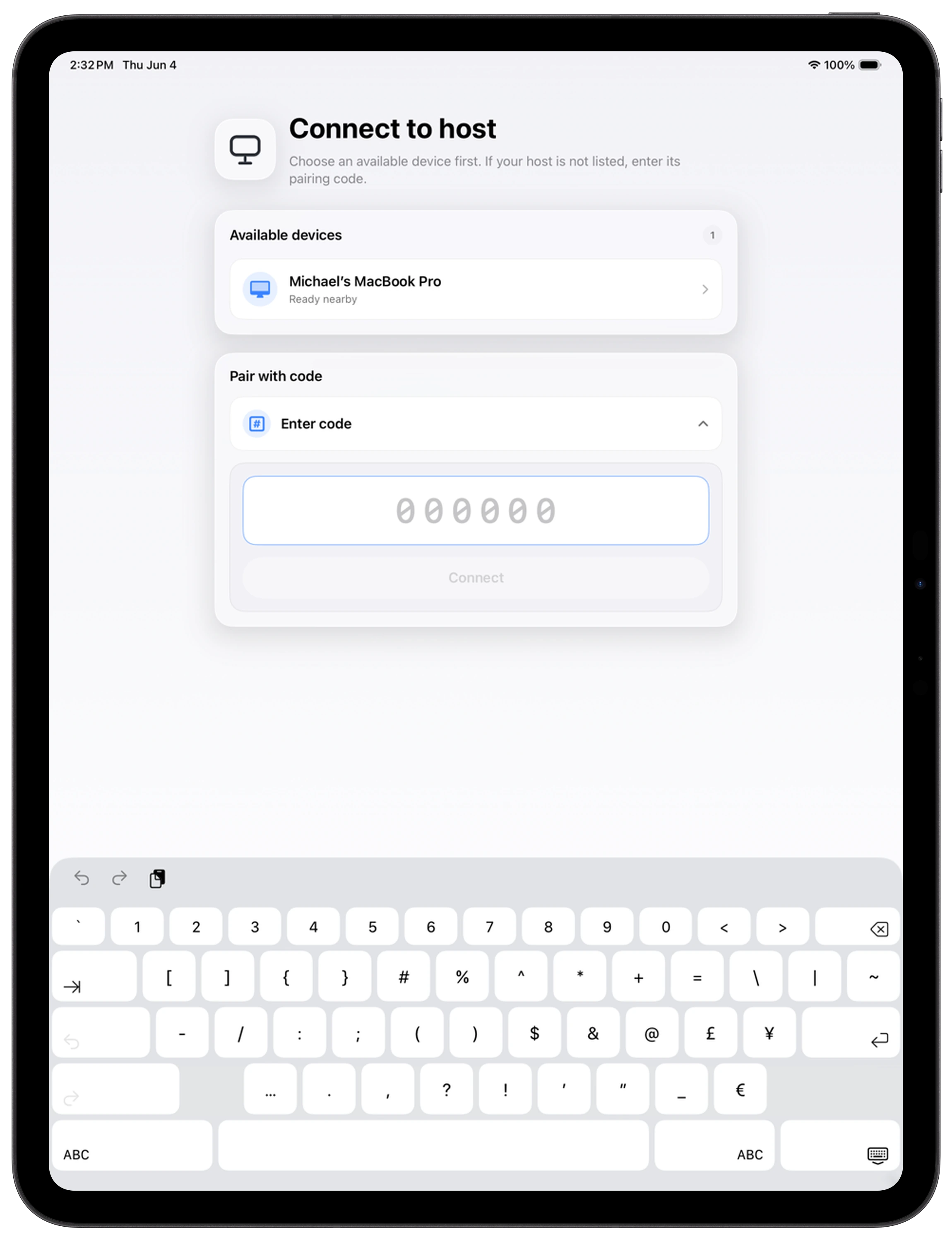
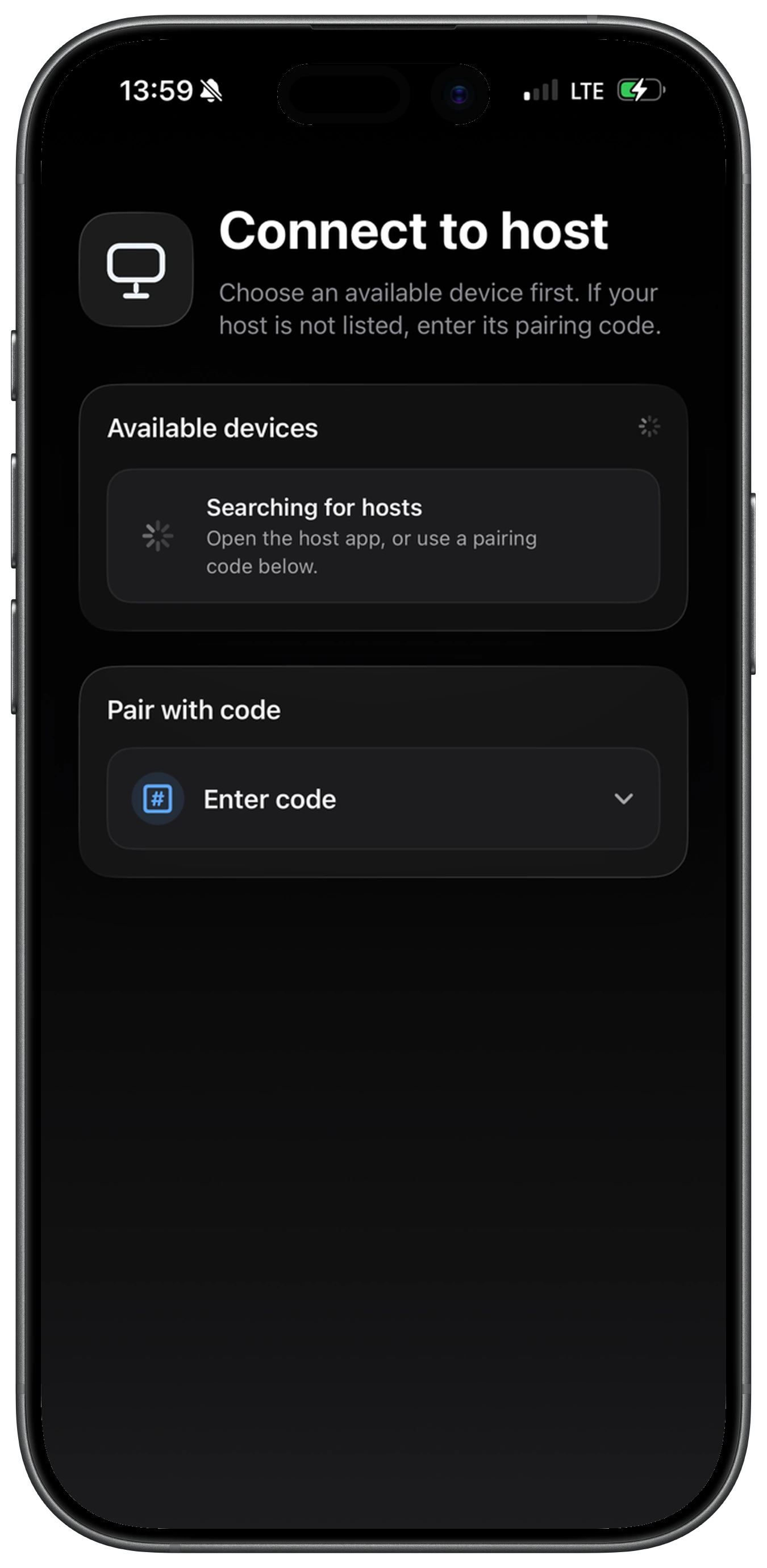
Remote Desktop finds computers signed in to your Apple Account. Choose one and your session starts.
Direct by
design.
Your screen, audio, and controls flow directly between your devices. Pairing works only with devices signed in to your Apple Account, and no middle-man server stores your screen.
Community requested
Now on Android too.
One of the most requested additions from the community is live. Use Remote Desktop from iPhone, iPad, or Android with the same free Mac and Windows host.
iPhone and iPad
Get the free Remote Desktop client from the App Store.
View on the App StoreGoogle Play
The Android app is live, built because people kept asking for Remote Desktop beyond Apple devices.
Get it on Google PlayMac and Windows
Install the companion host on the computer you want to control.
Download the hostSimple setup
Ready in three steps.
Install the host
Get the free companion app for your Mac or Windows PC.
Use your Apple Account
Your signed-in devices discover each other securely.
Choose your computer
Tap once and begin your remote session.
Your computer is
closer than you think.
Remote Desktop is free for iPhone, iPad, and Android.